Clean your camera roll. Fast and private.
Swipe right to keep, left to delete. Review everything before you confirm. Photos never leave your iPhone.
Three steps. Two minutes a day.
No setup, no learning curve. Open Tossio, swipe through a batch, confirm what you want gone.
Allow access
Tap once to give Tossio read-only access to your Photos. Nothing is uploaded.
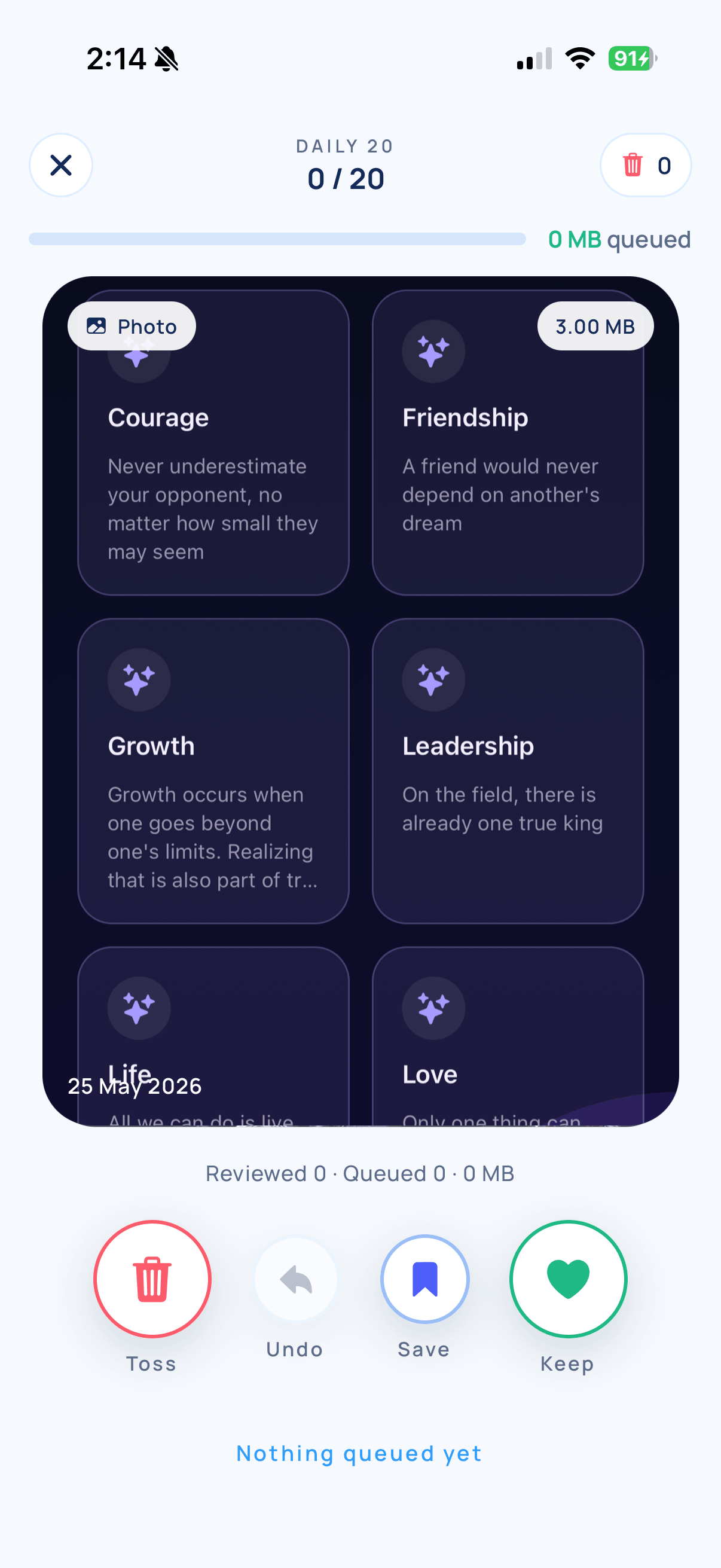
Swipe to keep or delete
Right keeps. Left queues for deletion. Up favorites. It's faster than scrolling.
Confirm everything at the end
Review your queue, deselect anything you want to keep, then confirm with Apple's native sheet.
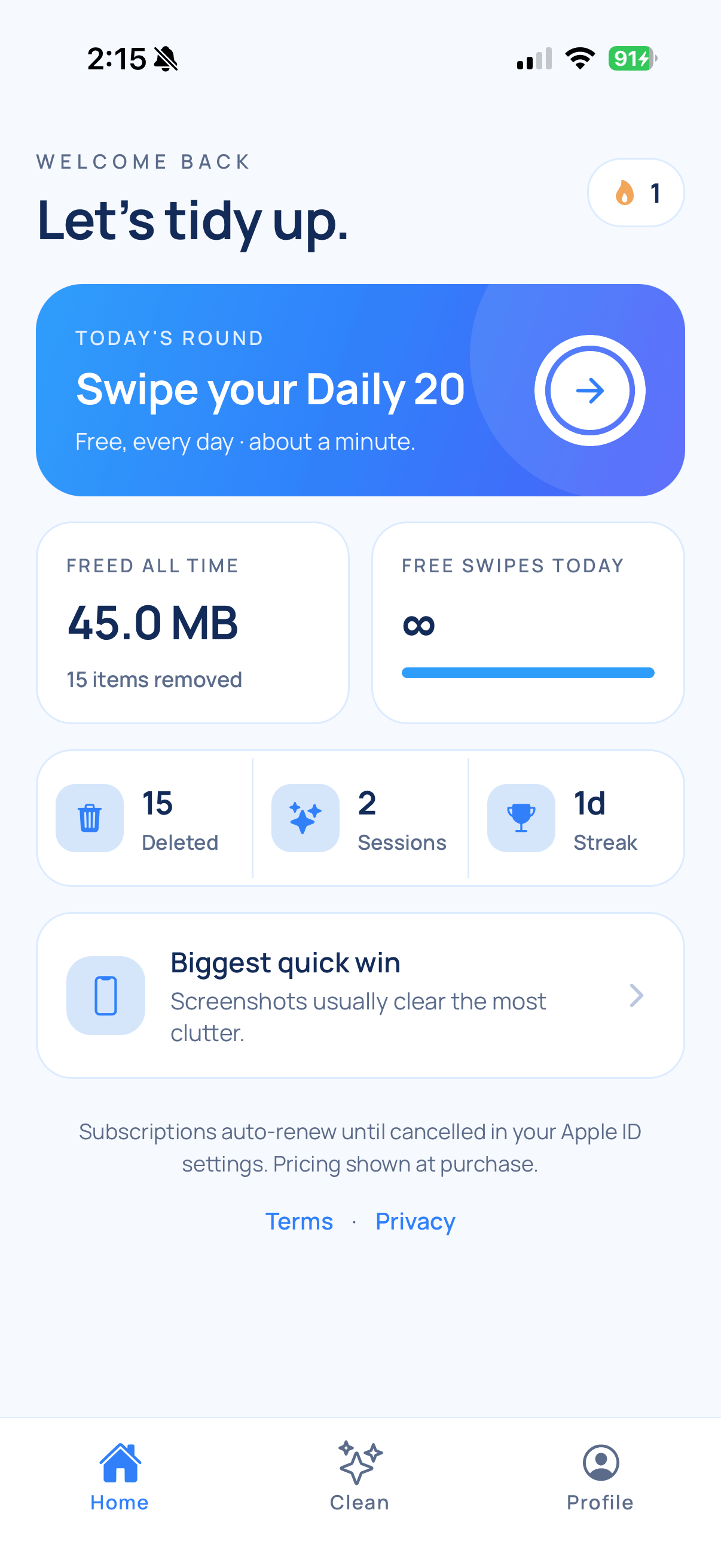
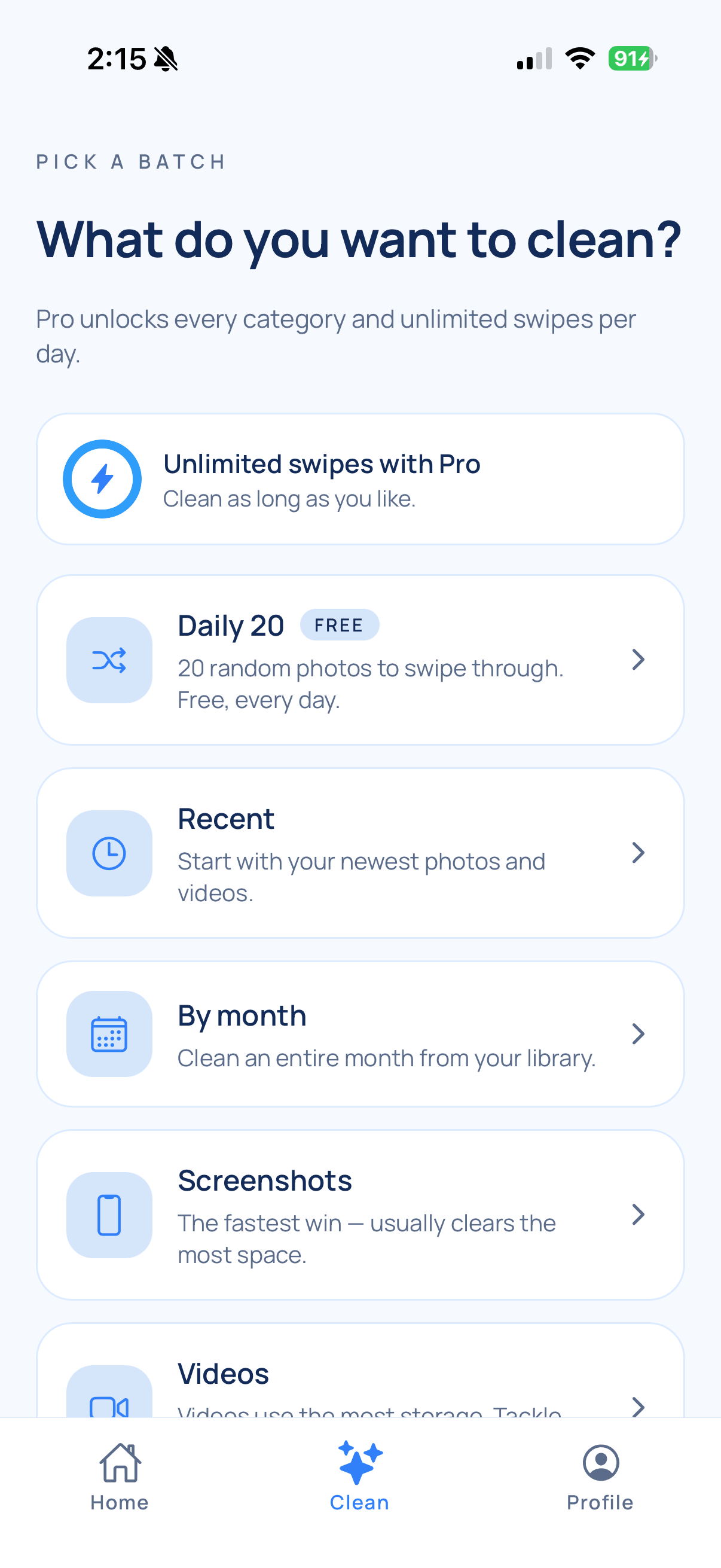
Designed to make cleanup feel effortless.
A clean dashboard, focused categories, and a swipe deck that's faster than scrolling.
Your photos stay on your iPhone. Always.
Tossio is built to be useless to anyone but you. We have no servers that touch your photos and no account that ties them to you.
- ✓Photos are never uploaded, synced, or copied off your device.
- ✓No account, no email, no sign-in required.
- ✓Deletions use Apple's standard sheet — recoverable for 30 days.
- ✓Anonymous analytics only (events, no photo metadata).
Built for actual cleanup. Not engagement.
Every feature is in service of one goal — getting your camera roll under control faster.
Built for the camera roll
Tossio reads only your local Photos library. No cloud, no account, no sync.
Categories that match your reality
Recent, by month, screenshots, videos. The fastest paths to free space first.
Daily-streak progress
Small wins compound. See how much storage you've reclaimed over time.
Undo + review before delete
Mistakes are recoverable: undo a swipe, then re-confirm everything before anything is removed.
Recently Deleted safety net
Items go to your iPhone's Recently Deleted album. You have 30 days to recover anything.
Designed for iPhone
iOS-first, gesture-driven, and built around the iPhone Photos permission model.
Honest answers, up front.
Does Tossio upload my photos?
No. Tossio reads your library locally on your iPhone. Nothing is uploaded, synced, or sent off your device.
Do I need an account?
No. Tossio works with no account or login. We don't collect personal information.
What happens when I delete a photo?
Tossio uses Apple's standard deletion. Items are moved to your Recently Deleted album where you can recover them within 30 days.
Will Tossio support Android?
Tossio is iOS-first. Android may follow once iOS is solid.
Reach inbox zero for your camera roll.
Free forever. No account. Photos stay on your iPhone.
Download on the App Store